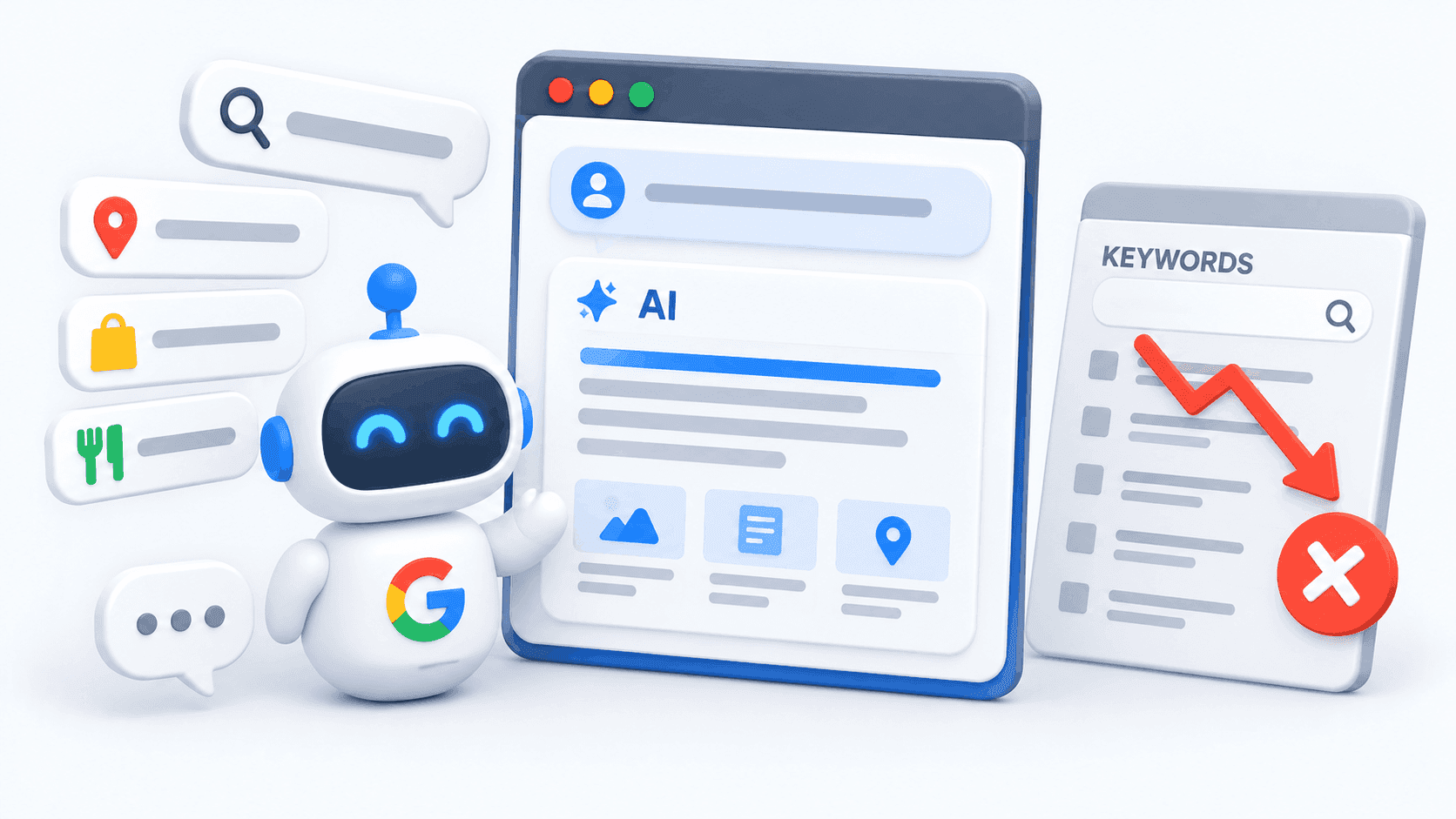
Ask YouTube lets viewers enter detailed questions and receive a guided response built from relevant videos, Shorts, text and specific video clips.
Users can refine the response with follow-up questions instead of starting another search.
For creators and brands, this creates another discovery route. YouTube has explained its broad selection priorities, but it has not disclosed every signal or weighting used by the feature.
TL;DR
Ask YouTube turns detailed questions into structured responses built from relevant videos, Shorts and specific clips
It can surface useful sections from longer videos, creating discovery opportunities for creators and brands
YouTube says the feature prioritises relevance, engagement and quality, but it has not disclosed every ranking signal
Clear titles, useful chapters and direct answers are the safest ways to prepare
Treat generated responses as a starting point and verify important information in the cited videos
What Is Ask YouTube?
YouTube’s conversational search experience turns a question into a structured response rather than just returning a list of videos.
How conversational search works
A viewer could ask:
Which beginner camera is suitable for low-light travel videos without adding too much weight?
They could then follow up with:
Which option has the simplest autofocus controls?
According to YouTube’s original Ask YouTube announcement, the feature can compile relevant long-form videos and Shorts into an interactive response. This Ask YouTube conversational search experience is designed for questions containing more context than a conventional keyword phrase.
How it differs from standard YouTube Search
Standard YouTube Search | Ask YouTube |
Returns a list of videos | Builds a structured response |
Commonly uses shorter queries | Accepts detailed natural-language questions |
The viewer chooses which result to open | YouTube organises videos around the question |
Usually begins with a selected video | May highlight a relevant section or timestamp |
Another question starts a new search | Follow-up questions continue the conversation |
Standard Search remains available. Both formats now form part of YouTube AI search in 2026.
To see how AI-generated answers are changing search behaviour beyond video, read How Google’s AI Overviews Are Changing the Way People Search.
How to Use Ask YouTube
The feature is simple to use, although access remains limited as YouTube continues testing it.
Where to find it
Open YouTube on a computer and select the search bar
Choose Ask YouTube
Enter a question or prompt in natural language
Review the text response and selected video clips
Choose a suggested follow-up or enter another question
Open a video when you need more context or detail
The current YouTube Help guide to Ask YouTube also explains that clips may begin at the timestamp most relevant to the question.
The video title and channel name remain visible within the response.
Who can currently access it
YouTube currently says the experiment is available to a limited number of users in the United States searching in English on a computer or TV device.
Availability is gradually expanding. The feature is not currently available through supervised kid accounts or the YouTube Kids app, and it is unavailable on Apple TV devices.
How Ask YouTube Changes Video Discovery
Detailed questions and selected video sections may give creators more ways to reach relevant viewers.
Queries can include more context
Compare:
“Email marketing tips”
“How can a small ecommerce brand improve abandoned-basket emails without relying on discounts?”
The second query identifies the audience, problem, channel and constraint. A video may answer the full question or contain one section that addresses a specific part of it.
This shows how AI is changing YouTube discovery by organising content around a viewer’s situation rather than matching only a short search phrase.
Individual sections can become discovery points
In the supplied Video Brand Infusion transcript, the creator tested a beginner quilting query.
The response organised sections from several videos into a guide covering fabric preparation, piecing, quilting and binding. It also suggested related topics and follow-up questions.
A useful section within a longer video may therefore be surfaced even when the viewer does not begin with the thumbnail, title or opening hook.
This does not mean introductions and thumbnails no longer matter. They remain important across standard Search, recommendations, subscriptions and other YouTube discovery routes.
Ask YouTube uses broad quality signals
YouTube says the ranking system for its conversational responses prioritises relevance, engagement and quality. It then identifies video clips that directly answer the viewer’s question.
However, YouTube has not disclosed the full weighting or complete list of signals used to select those clips. Creators should be cautious about anyone claiming to know a guaranteed Ask YouTube SEO formula.
How Creators and Brands Can Prepare
The safest approach is to follow YouTube’s confirmed guidance while making each video easier to understand at both the full-video and section level.
Use clear, descriptive titles
A title should identify the subject, audience or problem. Avoid relying entirely on vague curiosity.
For example, “I Finally Figured It Out” provides little context. “How to Reduce Abandoned Baskets Without Constant Discounts” tells the viewer and YouTube what the video addresses.
Organise videos into useful sections
YouTube recommends clear chapters. A comparison video could include sections covering:
The best option for beginners
Price and feature differences
Common setup mistakes
Important limitations
The final recommendation
Chapters do not guarantee inclusion, and videos without manually added chapters may still appear.
They remain useful because they make longer videos easier for people to navigate.
Answer the question directly
State the problem clearly and provide useful information without delaying the answer unnecessarily.
Include qualifications, examples, and limitations so that an individual section still makes sense when viewed separately. This is a more defensible approach to conversational video search SEO than repeating keywords throughout a script.
Build related coverage carefully
Creators and brands can cover connected questions around a central audience need. A camera channel, for example, might publish separate videos on low-light performance, autofocus, travel weight and beginner settings.
This can create a stronger learning path for viewers. YouTube has not confirmed that broad channel coverage is a direct ranking factor for YouTube’s AI-powered search feature.
Which Optimisation Claims Remain Unconfirmed?
Early creator observations should not be presented as established ranking rules.
Transcripts are not a confirmed ranking factor
The supplied transcript suggests that YouTube may use transcripts to understand a video and argues that tightly scripted content could remove useful context.
YouTube has not confirmed that transcripts are a direct Ask YouTube ranking factor or that tightly scripted videos receive a disadvantage.
Unscripted videos are not automatically better
Natural examples and detailed explanations may improve the viewer's experience. There is no evidence that YouTube automatically favours unscripted delivery.
A clear script can still answer a question thoroughly. A spontaneous video can still be confusing or repetitive.
Inclusion does not guarantee more views
Ask YouTube creates another route through which people may encounter a creator’s work. It may also answer part of a question before the viewer opens the full video.
In its July 2026 rollout announcement, TeamYouTube said that views generated through videos, Shorts and previews within Ask YouTube responses count towards total view metrics and YouTube Partner Programme eligibility like normal views.
That statement reflects the rollout guidance published at the time. YouTube may update its measurement rules as the experiment develops.
Can Ask YouTube Give Incorrect Answers?
Generated responses can make finding information faster, but they should not be treated as unquestionable sources.
Verify important information
YouTube says the quality and accuracy of generated responses may vary. Viewers should check important information in multiple places and open the selected videos for context.
Google’s guidance on evaluating generative AI responses also warns that AI can misunderstand information or produce incorrect details.
This matters most for medical, financial, legal and safety-related topics. Creators should make their evidence, limitations and qualifications easy to find within the video.
What Ask YouTube Means for Video Strategy
Ask YouTube does not remove the need for useful topics, clear communication and content that satisfies its intended audience. It adds another way for relevant videos and well-structured sections to be discovered.
Need help adapting your content to AI-led discovery? Connect with No Fluff to build an AI-content strategy that makes your expertise easier to find, understand and use.
Frequently Asked Questions
What is Ask YouTube?
How does Gemini Omni enhance YouTube Shorts?
Does Ask YouTube affect how creators should optimise their videos?